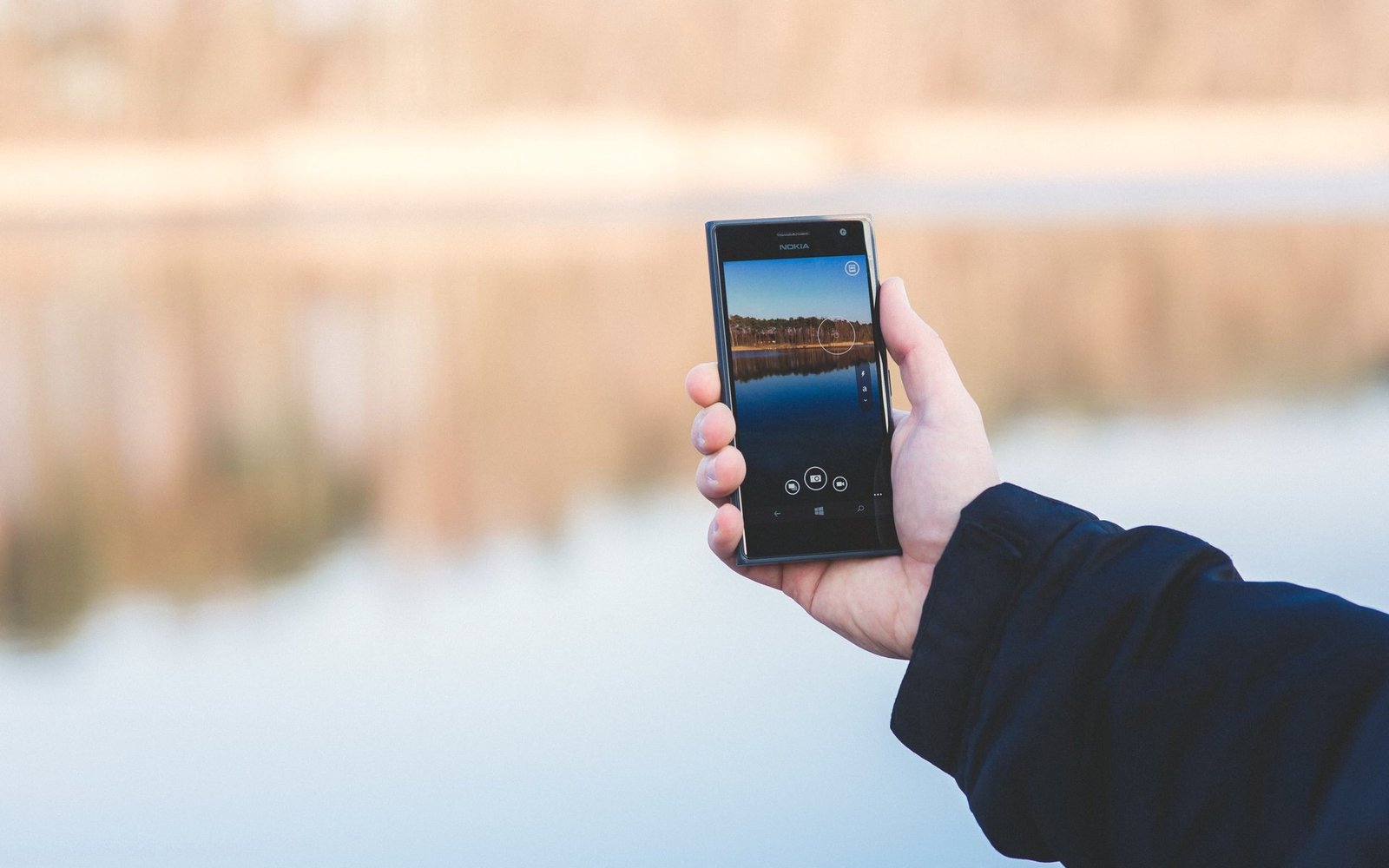
This guide is for anyone who takes most of their photos on a phone and wants them to look more deliberate. You won’t need new gear or editing apps. You’ll get a handful of composition habits, when to use each one and a few settings on your camera app that make them easier.
Phone cameras are very capable. Most photos that disappoint have a composition problem, not a camera problem.
Turn on the grid
Almost every phone camera app has an option to show grid lines: two vertical and two horizontal lines dividing the screen into nine boxes. It’s usually in the camera settings, sometimes under “composition” or “grid”.
The grid doesn’t appear in the final photo. It just helps with the next three habits: placing your subject, straightening horizons and lining things up.
The rule of thirds
Place your main subject on one of the grid lines, or where two lines cross, instead of dead centre.
A person standing on the left third, looking into the open space on the right, usually feels more natural than someone stuck in the middle. For a landscape, put the horizon on the top line if the ground is more interesting, or the bottom line if the sky is.
When to break it
The rule of thirds is a starting point, not a law.
Centre the subject when:
- The scene is symmetrical, such as a doorway, a bridge or a reflection in still water
- You want a bold, direct portrait looking straight at the camera
- The subject is the only thing in a plain frame
If you break the rule, break it clearly. A subject that’s slightly off-centre often just looks like a mistake.
Leading lines
Lines in a scene pull the eye. Roads, paths, fences, rivers, railings, shadows and rows of trees can all lead the viewer towards your subject.
Try:
- Standing at the start of a path so it runs into the frame
- Using a staircase or handrail that points at the person you’re photographing
- Shooting along a wall, not straight at it
Lines that run out of the frame towards a corner lead attention away. Lines that run towards the subject lead it in.
Framing
Use something in the foreground to frame the subject: a window, an archway, overhanging branches, a gap between buildings, even people’s shoulders at an event.
A frame adds depth and tells the viewer where to look. It doesn’t need to be neat or complete. A few out-of-focus leaves at the edge can be enough.
Watch your eye level
Most phone photos are taken from standing height, which makes many scenes look the same.
- Children and pets: crouch down to their eye level
- Food: shoot from directly above for flat plates, or at table height for tall dishes and drinks
- Buildings: step back and keep the phone level to avoid walls that lean inwards
- Flowers and small details: get low and close
Changing your height by half a metre can change a photo more than any filter.
Keep the background simple
Before you press the shutter, look past your subject. Bins, bright signs, parked cars and stray people are easy to miss on a small screen.
To clean up the background:
- Move a step or two to the side
- Change your angle so the background is sky, a wall or foliage
- Move the subject away from the background so it blurs more
- Use portrait mode where it suits the subject, though check the edges of hair and glasses for odd blurring
A plain background makes the subject stand out without any editing.
Get closer
If a photo looks busy or the subject seems lost, the fix is often to get closer.
Where you can, walk forward instead of pinching to zoom. Digital zoom on many phones crops the image and loses detail, although phones with extra lenses may switch to a telephoto lens at set zoom levels (often marked 2x, 3x or similar). Those preset buttons tend to give better results than an in-between zoom.
Filling the frame works well for faces, textures, food and anything with fine detail.
Keep the horizon straight
A tilted horizon is one of the most common faults in phone photos, and one of the easiest to fix. Line it up with a horizontal grid line.
Some camera apps also show a level indicator when the phone is flat or tilted. If you miss it, use the straighten tool in your photo editor afterwards, accepting that it crops the edges slightly.
Tilting on purpose can work for energetic shots, but tilt clearly so it looks intended.
Use focus and exposure lock
Phones choose focus and brightness automatically, and they don’t always pick what you want.
Tap on your subject to set focus there. On many phones, pressing and holding locks focus and exposure, so they don’t change when you reframe. You can usually then slide a finger up or down to make the image brighter or darker.
This is useful when:
- Your subject is off-centre and the phone keeps focusing on the background
- The sky is so bright that faces come out dark
- You want to keep the same settings for several shots in a row
The exact gestures vary by phone and app, so check your camera’s help pages if tapping doesn’t do what you expect.
Take a few, then choose
Take several versions of the same scene: closer, lower, subject left, subject right. It costs nothing on a phone. Afterwards, pick the best one and delete the rest so your gallery stays manageable.
Common mistakes
- Subject always in the dead centre
- Horizons that slope
- Messy backgrounds nobody noticed at the time
- Standing too far away and zooming in
- Every shot taken from standing eye level
Checklist
- Turn on the camera grid
- Place the subject on a third, or centre it on purpose
- Look for lines that lead to the subject
- Use foreground objects to frame the scene
- Change your height to match the subject
- Check the background before shooting
- Get closer instead of zooming
- Keep the horizon level
- Tap and hold to lock focus and exposure